1
2
3
4
5
6
7
8
9
10
11
12
13
14
15
16
17
18
19
20
21
22
23
24
25
26
27
28
29
30
31
32
33
34
35
36
37
38
39
40
41
42
43
44
45
46
47
48
49
50
51
52
53
54
55
56
57
58
59
60
61
62
63
64
65
66
67
68
69
70
71
72
73
74
75
76
77
78
79
80
81
82
83
84
85
86
87
88
89
90
91
92
93
94
95
96
97
98
99
100
101
102
103
104
105
106
107
108
109
110
111
112
113
114
115
116
117
118
119
120
121
122
123
124
125
126
127
128
129
130
131
132
133
134
135
136
137
138
139
140
141
142
143
144
145
146
147
148
149
150
151
152
153
154
155
156
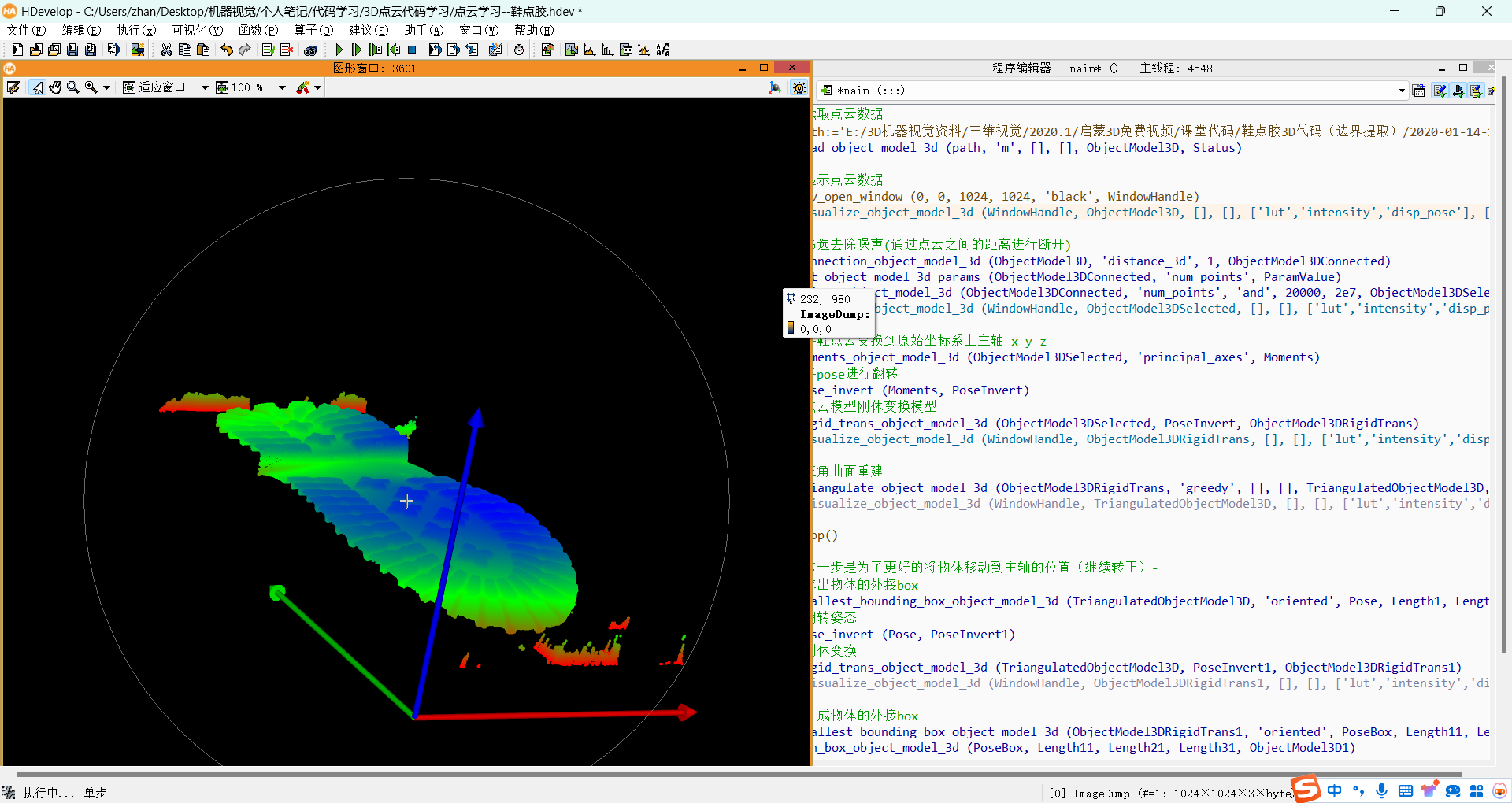
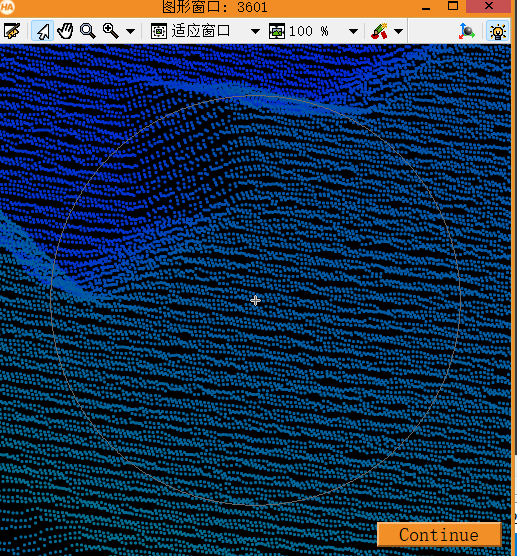
| *读取点云数据
path:='./2020-01-14-16832.om3'
read_object_model_3d (path, 'm', [], [], ObjectModel3D, Status)
*显示点云数据
dev_open_window (0, 0, 512, 512, 'black', WindowHandle)
visualize_object_model_3d (WindowHandle, ObjectModel3D, [], [], ['lut','intensity','disp_pose'], ['color1','coord_z','true'], [], [], [], PoseOut)
*筛选去除噪声(通过点云之间的距离进行断开)
connection_object_model_3d (ObjectModel3D, 'distance_3d', 1, ObjectModel3DConnected)
get_object_model_3d_params (ObjectModel3DConnected, 'num_points', ParamValue)
select_object_model_3d (ObjectModel3DConnected, 'num_points', 'and', 20000, 2e7, ObjectModel3DSelected)
visualize_object_model_3d (WindowHandle, ObjectModel3DSelected, [], [], ['lut','intensity','disp_pose'], ['color1','coord_z','true'], [], [], [], PoseOut)
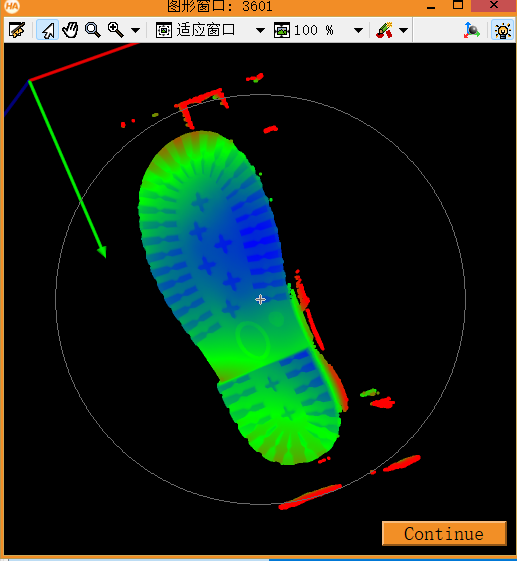
*将鞋点云变换到原始坐标系上主轴-x y z
moments_object_model_3d (ObjectModel3DSelected, 'principal_axes', Moments)
*将pose进行翻转
pose_invert (Moments, PoseInvert)
*点云模型刚体变换模型
rigid_trans_object_model_3d (ObjectModel3DSelected, PoseInvert, ObjectModel3DRigidTrans)
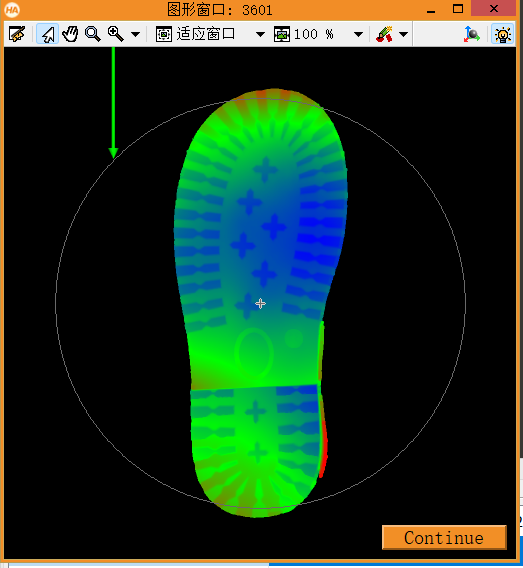
visualize_object_model_3d (WindowHandle, ObjectModel3DRigidTrans, [], [], ['lut','intensity','disp_pose'], ['color1','coord_z','true'], [], [], [], PoseOut)
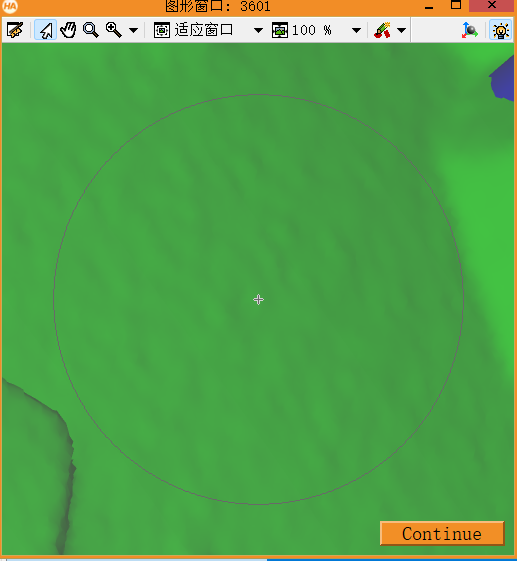
*三角曲面重建
triangulate_object_model_3d (ObjectModel3DRigidTrans, 'greedy', [], [], TriangulatedObjectModel3D, Information)
*visualize_object_model_3d (WindowHandle, TriangulatedObjectModel3D, [], [], ['lut','intensity','disp_pose'], ['color1','coord_z','true'], [], [], [], PoseOut)
stop()
*这一步是为了更好的将物体移动到主轴的位置(继续转正)-
*求出物体的外接box
smallest_bounding_box_object_model_3d (TriangulatedObjectModel3D, 'oriented', Pose, Length1, Length2, Length3)
*翻转姿态
pose_invert (Pose, PoseInvert1)
*刚体变换
rigid_trans_object_model_3d (TriangulatedObjectModel3D, PoseInvert1, ObjectModel3DRigidTrans1)
*visualize_object_model_3d (WindowHandle, ObjectModel3DRigidTrans1, [], [], ['lut','intensity','disp_pose'], ['color1','coord_z','true'], [], [], [], PoseOut)
*生成物体的外接box
smallest_bounding_box_object_model_3d (ObjectModel3DRigidTrans1, 'oriented', PoseBox, Length11, Length21, Length31)
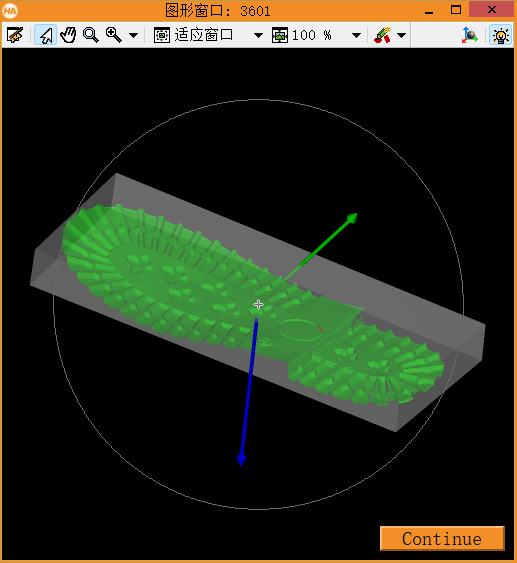
gen_box_object_model_3d (PoseBox, Length11, Length21, Length31, ObjectModel3D1)
*将物体和box一起显示(显示的时候 加'_0'代表第一个Object 加'_1'代表第二个Object)
visualize_object_model_3d (WindowHandle, [ObjectModel3DRigidTrans1,ObjectModel3D1], [], [], ['color_0','color_1','alpha_1','disp_pose'], ['green','gray',0.5,'true'], [], [], [], PoseOut)
objectsOut:=[]
Index_S:=[]
Index_E:=[]
color_S:=[]
color_E:=[]
colorsOut:=[]
colorvaluesOut:=[]
all_x:=[]
all_y:=[]
*做切平面与鞋子的点云相交
for index:=0 to 45 by 1
cutplanePose := PoseBox
cutplanePose[0]:=PoseBox[0] - Length11/2 + (index)*4+3
cutplanePose[3]:=0
cutplanePose[4]:=90
cutplanePose[5]:=0
*产生平面
gen_plane_object_model_3d (cutplanePose, [-1,-1,1,1]* 90, [-1,1,1,-1] * 90, GenPlane)
*visualize_object_model_3d (WindowHandle, [ObjectModel3DRigidTrans1,GenPlane], [], [], ['color_0','color_1','alpha_1','disp_pose'], ['green','gray',0.5,'true'], [], [], [], PoseOut)
*求交线
intersect_plane_object_model_3d (ObjectModel3DRigidTrans1, cutplanePose, ObjectModel3DIntersection)
*visualize_object_model_3d (WindowHandle, ObjectModel3DIntersection, [], [], ['lut','intensity','disp_pose'], ['color1','coord_z','true'], [], [], [], PoseOut)
*变换到二维xld
*翻转姿态
pose_invert (cutplanePose, poseInvert)
*确认投影平面在前面
*获得box外接主轴的直径
get_object_model_3d_params (ObjectModel3DIntersection, 'diameter_axis_aligned_bounding_box', Diameter)
poseInvert[2]:=poseInvert[2]+Diameter
*用平行于投影平面的相机(1:1的比例)
Scale:=1
CamParam := [0,0,1.0/Scale, 1.0/Scale, 0, 0, 500,500]
project_object_model_3d (ModelContours, ObjectModel3DIntersection, CamParam, poseInvert, 'data', 'lines')
count_obj(ModelContours,Number)
Rows:=[]
Columns:=[]
Row:=[]
Column:=[]
for I:=1 to Number by 1
select_obj (ModelContours, EdgeContour, I)
get_contour_xld(EdgeContour, Row,Column)
Rows:=[Rows,Row]
Columns:=[Columns,Column]
endfor
*从上到下依次进行排序
tuple_sort_index (Rows, Indices)
tuple_length(Rows,Length)
OrderRow:=[]
OrderColumn:=[]
if(Length>=1)
for Row_Index:=0 to Length-1 by 1
OrderRow:=[OrderRow,Rows[Indices[Row_Index]]]
OrderColumn:=[OrderColumn,Columns[[Row_Index]]]
endfor
endif
*求最大和最小点(行方向)
tuple_sort_index (OrderRow, Indices)
tuple_length(OrderRow,Length)
*起点(xld)
StartRow:=OrderRow[Indices[0]]
StartColumn:=OrderColumn[Indices[0]]
*终点(xld)
EndRow:=OrderRow[Indices[Length-1]]
EndColumn:=OrderColumn[Indices[Length-1]]
*在起点和终点位置生成 x 图标
gen_cross_contour_xld(StartXP, StartRow, StartColumn, 6, 0.795296)
gen_cross_contour_xld(EndXP, EndRow,EndColumn, 6, 0.795296)
dev_display(ModelContours)
*转换成点云坐标
StartPose:=[cutplanePose[0],StartRow,-StartColumn, 0,0,0,0]
EndPose :=[cutplanePose[0],EndRow,-EndColumn, 0,0,0,0]
*生成球体的点云
gen_sphere_object_model_3d (StartPose, 2, StartPoint)
gen_sphere_object_model_3d (EndPose , 2, EndPoint )
*所有对点的边界点集合
objectsOut := [objectsOut,StartPoint]
objectsOut := [objectsOut,EndPoint ]
*显示时的颜色
Index_S:= 0+index*2
Index_E:= 0+index*2+1
color_S:='color_'+Index_S
color_E:='color_'+Index_E
colorsOut := [colorsOut,color_S]
colorsOut := [colorsOut,color_E]
colorvaluesOut := [colorvaluesOut,'blue']
colorvaluesOut := [colorvaluesOut,'blue']
all_x:=[all_x,cutplanePose[0]]
all_y:=[all_y,StartRow]
all_x:=[all_x,cutplanePose[0]]
all_y:=[all_y,EndRow]
endfor
*显示外边界模型点云
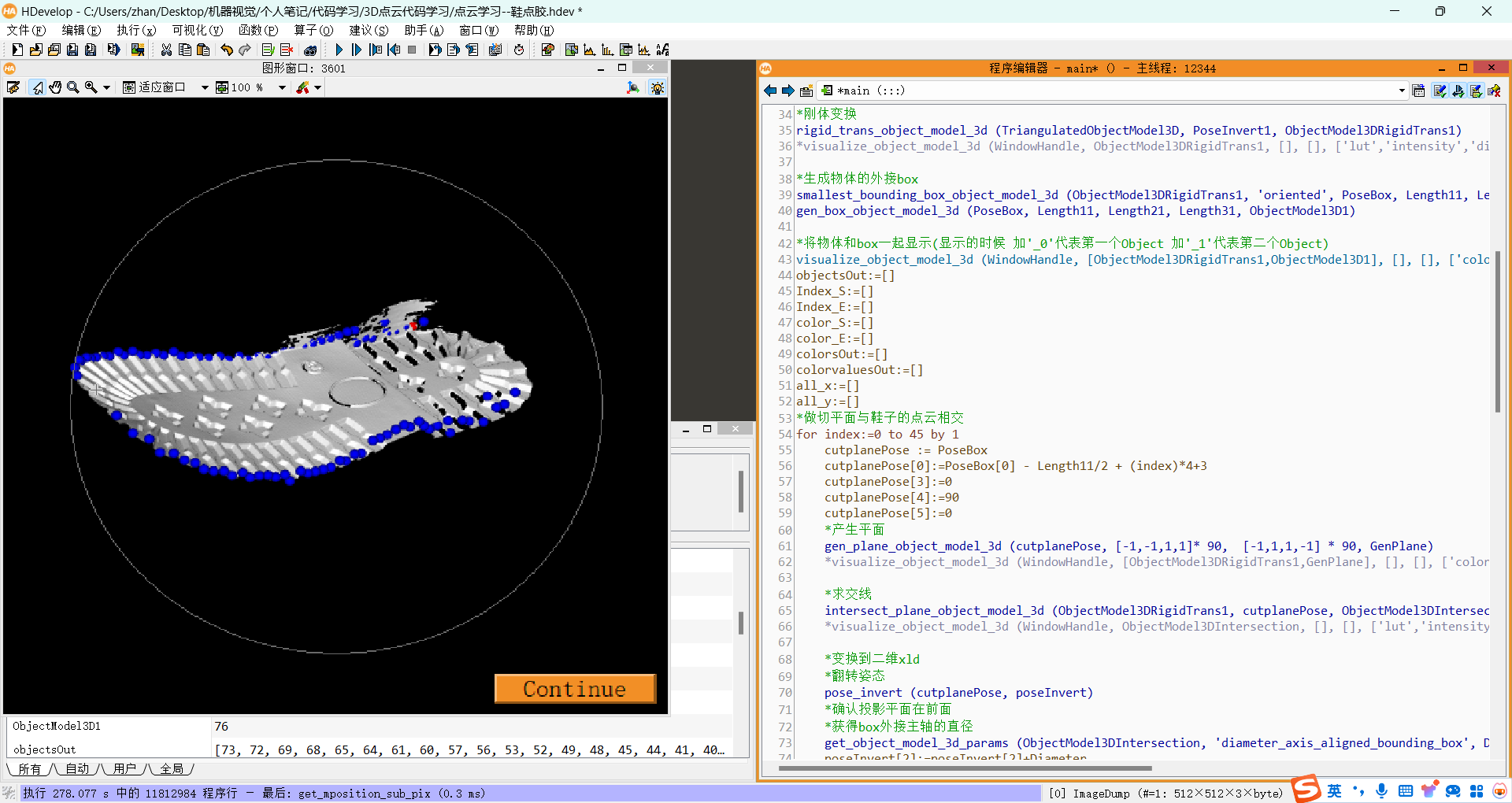
visualize_object_model_3d (WindowHandle,[objectsOut,ObjectModel3DRigidTrans1], [],[],[colorsOut,'color_88'],[colorvaluesOut,'red'], [], '', [], Pose)
*2二维显示
dev_open_window (0, 0, 512, 512, 'black', WindowHandle1)
dev_set_color('red')
gen_cross_contour_xld(Start,all_x,all_y, 3, 0.885398)
|